


Do you have your post-meeting fork in order?
Datum: 2026-03-05 09:19
When you’ve just finished a meeting, do you have a clear and stable routine for handling the notes you took? A while ago, when I enthusiastically said “Thank you!” and ended a lecture on structure for a government agency in Gothenburg, one of the participants asked, “What should I do with these notes I’ve made?” Given that I had just talked about what we should keep in mind to keep track of everything we have to do easily and that it’s important not to spread the same type of information in many places, it was a valid question.
Where did the note go? I guess he, like many others, has experienced making notes in a notebook during a meeting and after the meeting, the notes are left in the notebook — which ends up somewhere. It’s so easy for things promised in meetings not to get done because the note about what should be done (and by whom and when) gets lost among other notes on a page in a notebook (which may even end up in a pile with other notebooks).
For you who prefer listening to reading, this post is also available as an episode of the ""Done!"" podcast:
A clear but crucial small routine
It’s important that you — and I, and each and every one of us, of course — have a clear routine for what happens with the notes after the meeting. How do you make it easy for yourself to go from words and promises to action? By the way, it doesn’t have to be paper notes. It can just as easily be digital notes, for example, in OneNote, where many people keep all their meeting notes. Even if you’ve created a clear structure in OneNote with neatly organized sections and pages, the meeting notes can still end up on a page in a section in a notebook and everything you agreed upon can still fall through the cracks.
The post-meeting fork
The notes after most meetings contain one or more of four things:
- You take on a task that takes less than a workday to complete.
- You become involved in or responsible for something big that will take longer than a workday — a new project, a task, a working group that has been formed, or something else significant.
- Someone else takes on a task and you want to keep track of it getting done.
- Something is said or decided that you need to be able to find and check back on at some unspecified time in the future.
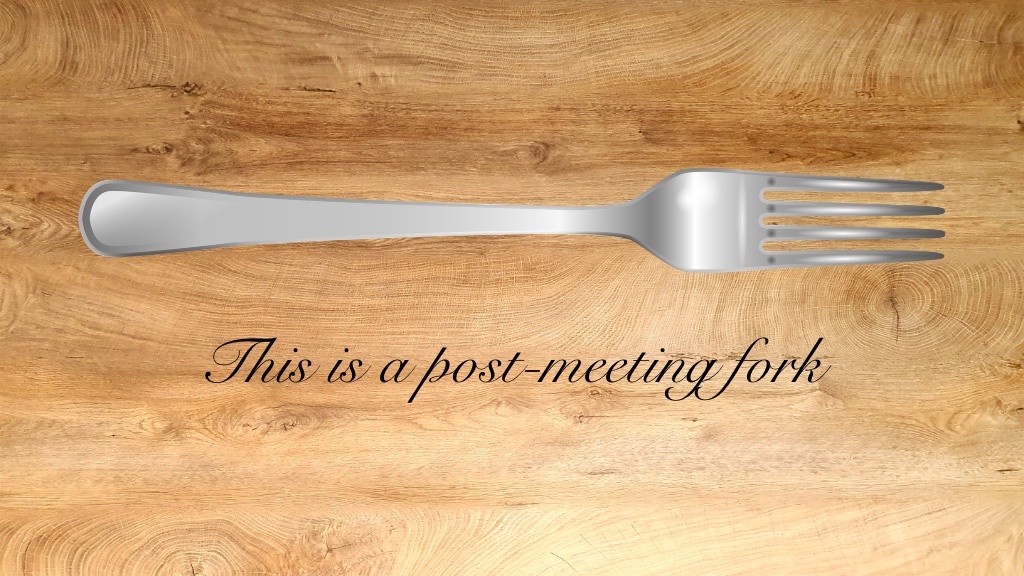
I imagine this as a fork with four prongs. The meeting is the handle that leads to the four prongs’ things. If it’s clear and easy to know where the information from the four prongs should go after the meeting, you avoid forgetting promises.
Do this
Take a moment to think about how you usually do things. Do you know with certainty what you should do after a meeting to ensure that the information from the four prongs ends up where it belongs? If not, think about it a little extra and come up with a plan for what you will do starting today:
- How will you add the promises to your to-do list if they take less than a workday to complete?
- How will you add new projects or other big tasks to your overview of everything big you have going on right now — all the plates you are spinning?
- How will you note that you’re waiting on something from someone on your “waiting on” list?
- Where will you save the entire meeting note so that you can easily find it whenever you need it — even if you don’t know when that will be?
The best solution for you will depend on, among other things, where you keep your to-do list and which tools you use (these are details we can work on if you take my personal structure help).
Personally, I scan my meeting notes into PDF and save them in the folder for the current project, client, supplier, or something similar. I keep my to-do tasks, big tasks, and waiting-for notes all in my digital to-do list in Things.
You can be trusted
If you have a well-thought-out and stable post-meeting fork that works for you, you can take care of the meeting notes quickly after the meetings, saving you time, and you can be sure that nothing will fall through the cracks or get lost. Those who work with you can trust that it will get done if you say you will do something. That is invaluable if you ask me.
What about you?
So, how have you set it up? What does your post-meeting fork look like? Write to me and let me know. I always welcome tips and examples of a good structure, and I’m curious about what you have come up with. Your email is very welcome.
Do you know anyone who could improve their meeting note management — share this blogpost with them!
You can get more!

If you want more tips on how to create good structure at work, there are many ways to get that from me - in podcasts, videos, books, talks and other formats.
Share: